Communication · Notifications

Push Notifications that actually reach residents

Your package arrived, your payment was approved, there is a new poll, your booking is confirmed. Koti emits twenty-seven kinds of automatic alert to the resident’s phone, and each resident decides per category whether they want them in the app, by email, or both — except the ones the community marks mandatory.

No credit card required

notification types the platform emits on its own
27notification types the platform emits on its own
categories each resident tunes for themselves
5categories each resident tunes for themselves
channels per category: app and email
2channels per category: app and email
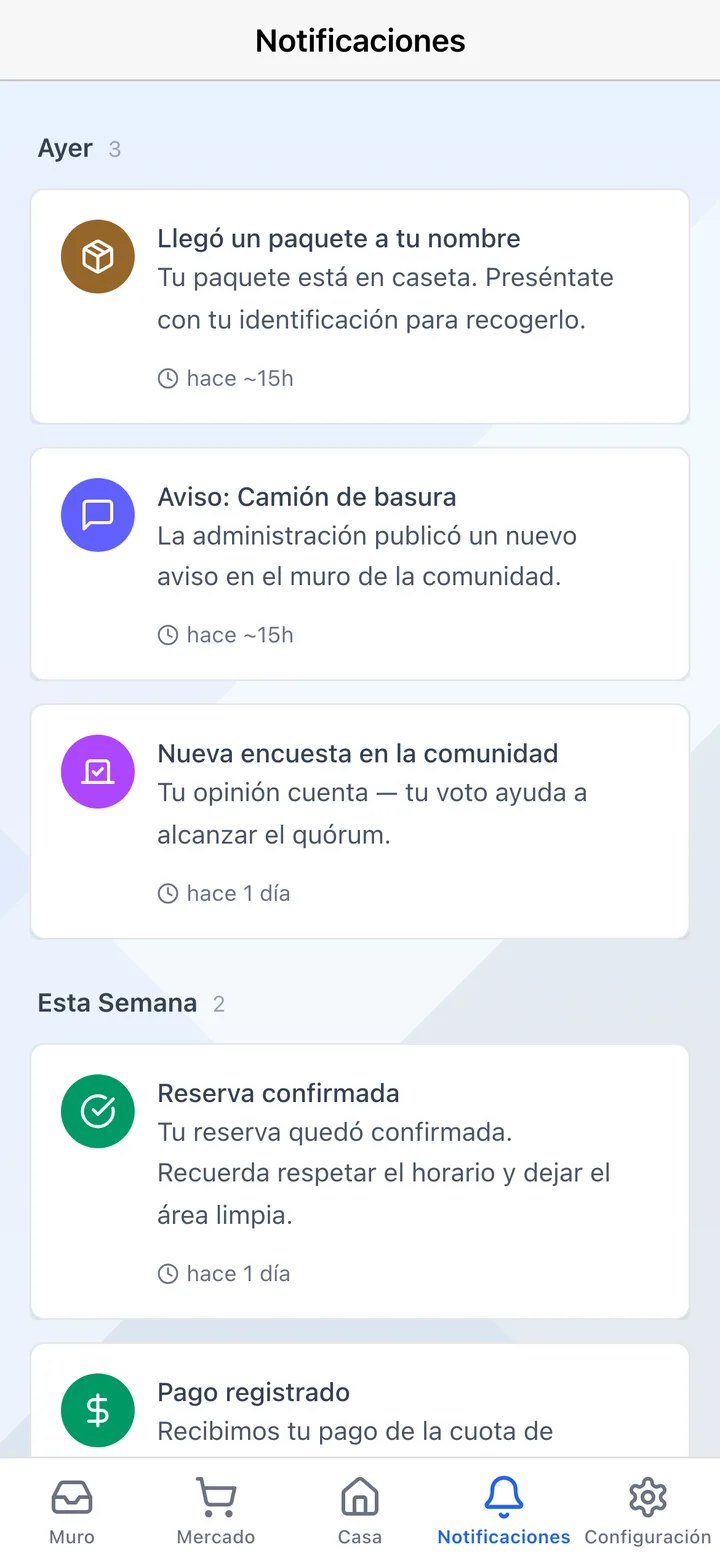
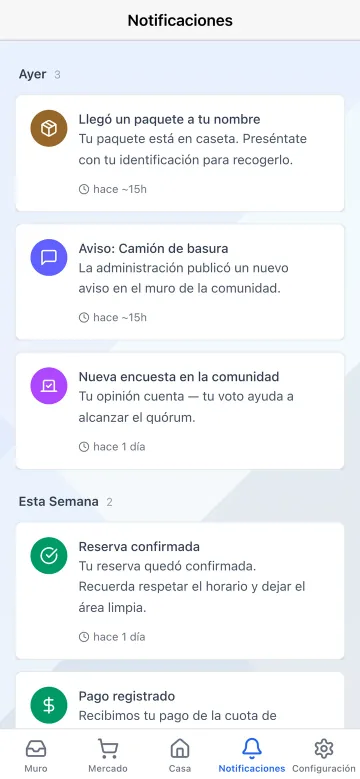
The Koti app notification centre showing package arrival, new post, poll, confirmed booking and recorded payment alerts.

The problem

What changes on day one

Today

The only channel is the WhatsApp group, where the important notice competes with thirty memes.

With Koti

The alert reaches the resident’s phone as a notification, with its category and a direct link.

Today

“Nobody told me” is the sentence that opens half your meetings.

With Koti

The community can mark whole categories as mandatory email, which residents cannot switch off.

Today

Every month you sit down to remind the same people their fee is overdue.

With Koti

Payment reminders are scheduled once and go out on their own at 10 am, in your community’s timezone.

Resident

The resident finds out with nobody chasing them

The platform speaks up on its own when something happens, and the resident decides what they hear about, and where.

Notifications grouped by day in the Koti app: package received, management announcement, new poll, confirmed booking and recorded payment.

Receive

What happened in your community, grouped by day

  • Packages, payments, visitors, bookings, announcements, polls, maintenance and security alerts, each with its own icon and colour
  • Grouped by today, yesterday, this week, this month and older, with unread ones flagged
  • Filters for all, unread and archived, plus “mark all as read” when the inbox piles up
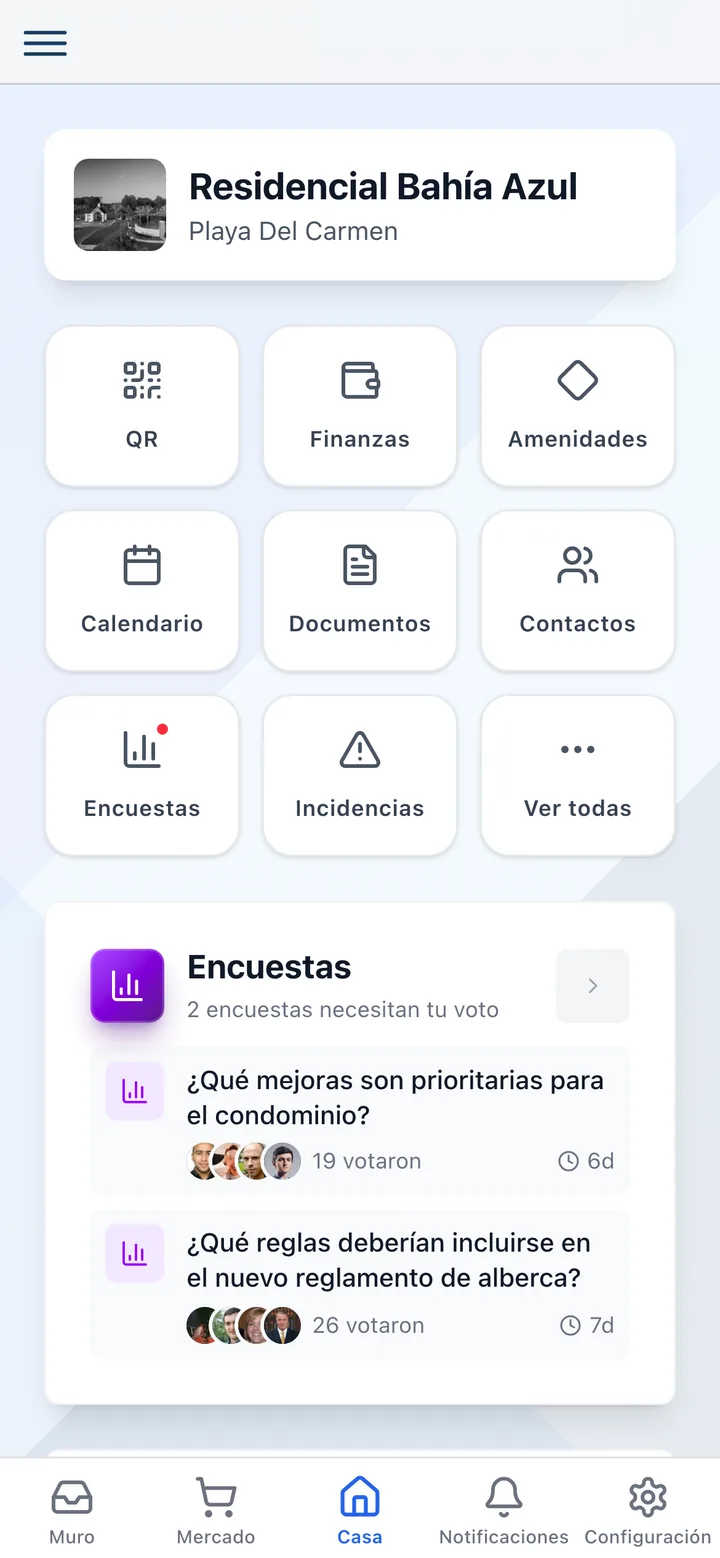
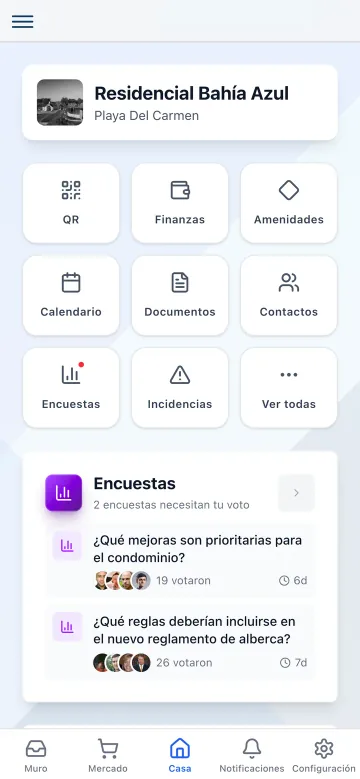
The Koti app home screen showing the resident’s active bookings and packages waiting to be collected.

Pending

And what is still open, without opening anything

  • The home screen surfaces active bookings and packages waiting to be picked up
  • The bell badge carries the unread count
  • Opening a notification jumps straight to the screen it belongs to: the package, the booking, the announcement or the poll

In detail

Notifications, in detail

Twenty-seven automatic alerts

Package received and picked up; payment confirmed, received, overdue and late-fee applied; statement available; visitor arrived; common-area entry and exit; booking confirmed and booking reminder; new event and event reminder; new post; maintenance update; security alert; staff shift start and end. None of them need writing: the platform emits them when the thing actually happens.

Five categories, two channels

Each resident chooses how they hear about each kind of update: safety and emergencies, finance, community and announcements, events and bookings, and building and deliveries. For each one they decide whether they want it in the app — push and in-app — and whether they also want it by email.

Emails residents cannot switch off

Management can mark whole categories as mandatory email: residents cannot turn off email for those categories. It is the direct answer to “nobody told me”, and it is configured once for the whole community.

Automatic payment reminders

Configure when and what kind of reminder residents get about their maintenance fee. They go out at 10 am in your community’s timezone, as a push and in-app notification, and optionally to each resident’s email as well.

Community alerts from the gatehouse

Management defines which alerts security staff can broadcast to the whole community: button name, icon, message and channels. The guard fires it in one tap and it goes out as a post on the wall, as a push notification, or both.

Always send by email

A per-community toggle makes every admin post go out by email to every resident automatically, on top of the wall. And the send keeps its record of delivered, opened, bounced and failed.

A notification centre, not an avalanche

Read, unread and archived, with mark-all-as-read and a 30-day retention on archived items. When there is nothing left to read, the app says so: inbox zero.

Priority, category and pinning

Every notification carries one of four priorities — low, medium, high or urgent — and one of eleven categories, from package and payment to security and visitor. In the panel they can be pinned, archived, searched and filtered by date range and by community.

Your turn: set it up in 5 minutes

Try Koti in your community today, without the headaches.

14-day free trial · No credit card required

Prefer to be shown around? Book a demoMessage us on WhatsApp

Security & compliance

SSL/TLS encryption

All communications encrypted and sensitive data protected in transit and at rest.

LFPDPPP compliant

Personal data protection compliant with Mexican law (LFPDPPP).

Daily backups on AWS

AWS infrastructure with automatic daily backups.

Frequently asked questions

The platform emits twenty-seven kinds of alert with nobody writing them: package arrival and handover, payment confirmation and receipt, overdue fees and applied late fees, statement availability, visitor arrival, common-area entries and exits, confirmed bookings and their reminders, new events and their reminders, new wall posts, maintenance updates, security alerts, and staff shift start and end.
They can tune them by category: safety and emergencies, finance, community and announcements, events and bookings, and building and deliveries. For each one they decide whether they want it in the app and whether they want it by email. But management can mark categories as mandatory email, and those residents cannot switch off.
Yes. You configure when and what kind of reminder residents get about the maintenance fee and they send themselves at 10 am, in your community’s timezone. They go out as push and in-app notifications, and you can enable email as well.
Only the Koti app, which is free for the residents of your community and available on iOS and Android. The first time it asks permission to send push notifications; if they decline, they can enable it later from their phone settings, and in the meantime they still see everything in the in-app notification centre.
Yes, through community alerts. Management defines which alerts exist — button name, icon, the message residents receive, and channels — and the guard fires them in one tap from their app. They can post to the community wall, go out as a push notification, or both.

Start with 14 free days

Set up your community in minutes and try all of Koti — no card, no lock-in.

No credit card requiredSee pricing

See everything in Communication
Questions? Chat with us