Operations · Residents

Resident Management Software for Condominiums

Streamline your resident management with Koti’s centralized platform. Organize all resident data, automate communications, and gain complete visibility into your community’s people with professional tools.

No credit card required

roles per unit: owner, tenant and unit manager
3roles per unit: owner, tenant and unit manager
one resident can belong to several units and communities
Multi-unitone resident can belong to several units and communities
you can also register whoever will never open the app
No accountyou can also register whoever will never open the app
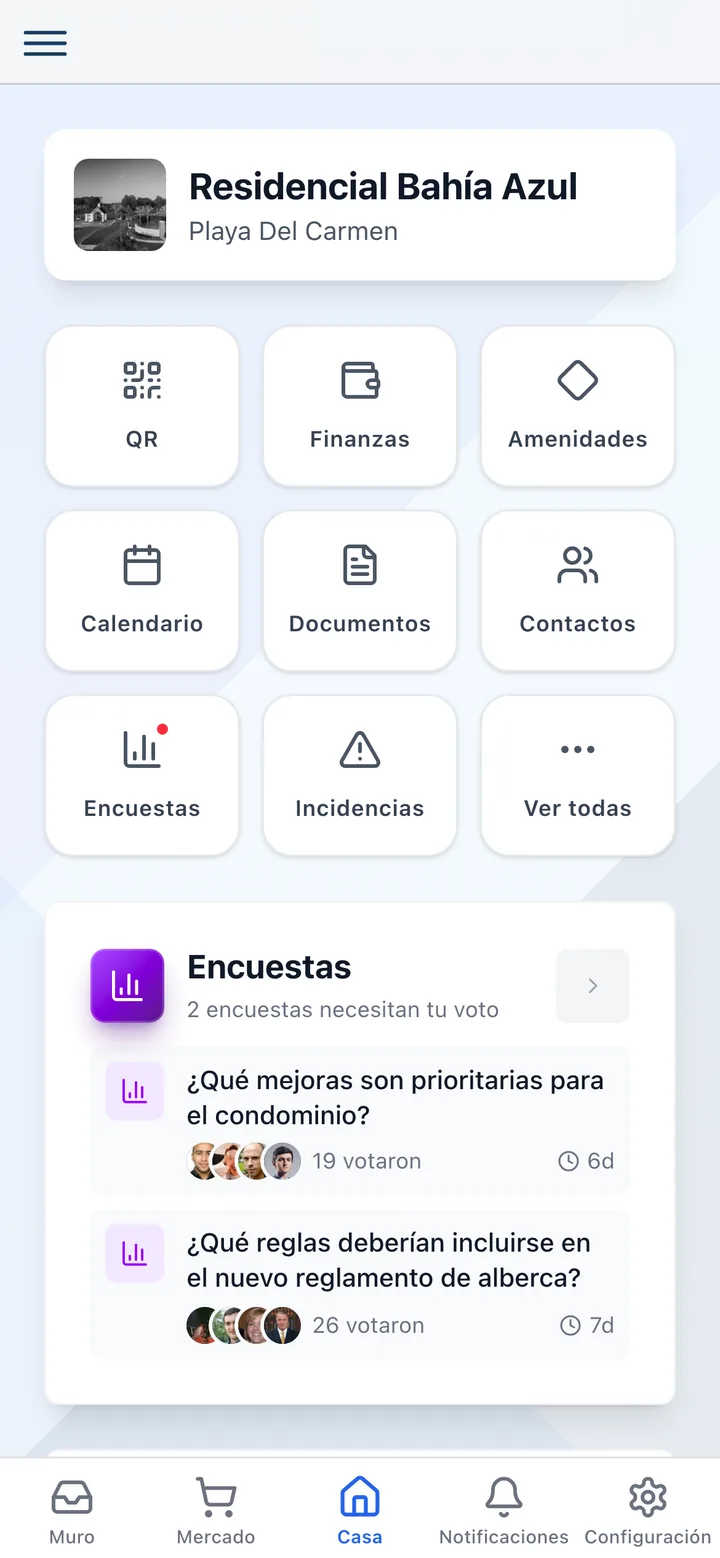
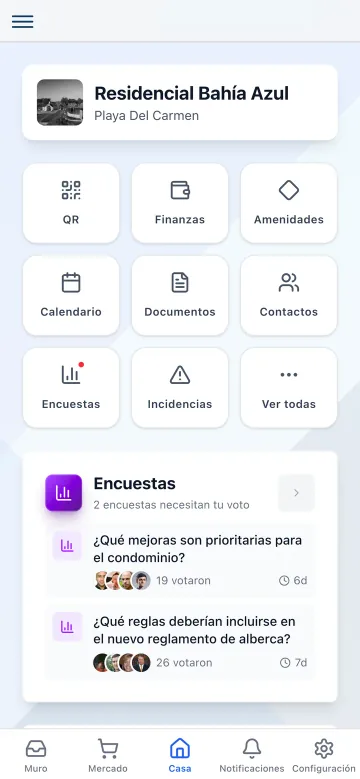
Koti resident app home with shortcuts to QR, finances, amenities and more.

The problem

What changes on day one

Today

Resident data is scattered across emails, a file, and the gatehouse notebook.

With Koti

One directory with contact, unit and role, kept current by the residents themselves.

Today

Onboarding fifty neighbours means writing fifty emails by hand.

With Koti

You import the list, the system validates it against your units, and it sends the invitations.

Today

The tenant moved out and kept getting into the app and generating visitor codes.

With Koti

You remove them from the unit and their access goes with them; the unit’s history stays.

Resident

The resident joins with one invitation

Residents complete their registration by downloading the app and verifying their information. The entire directory updates in real time.

The Koti resident app home screen after completing registration.

Onboarding

One invitation, and they are in

  • They receive the invitation by email, download the app and verify their information
  • From there they see their unit, their finances, their parcels and their bookings
  • If they live in two units, or two different communities, one account covers both
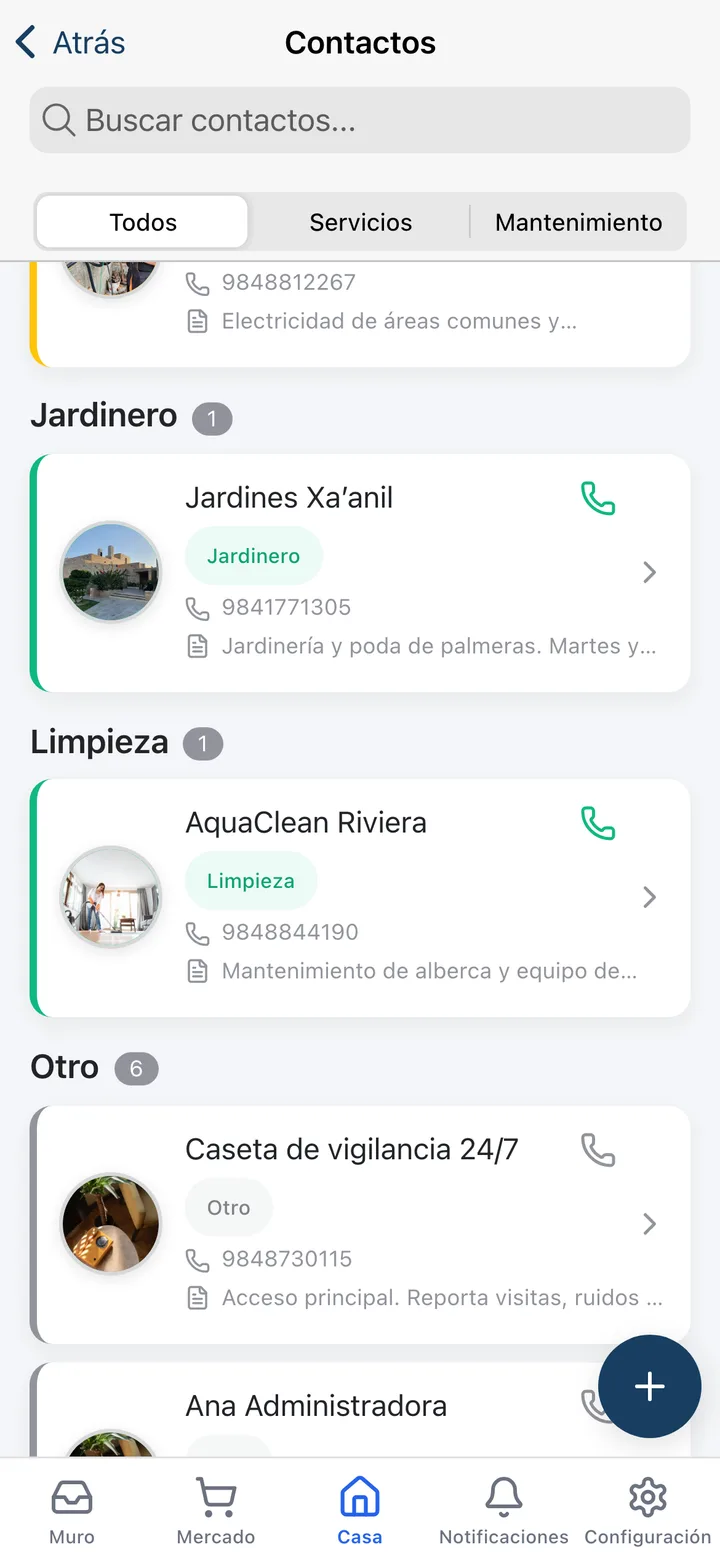
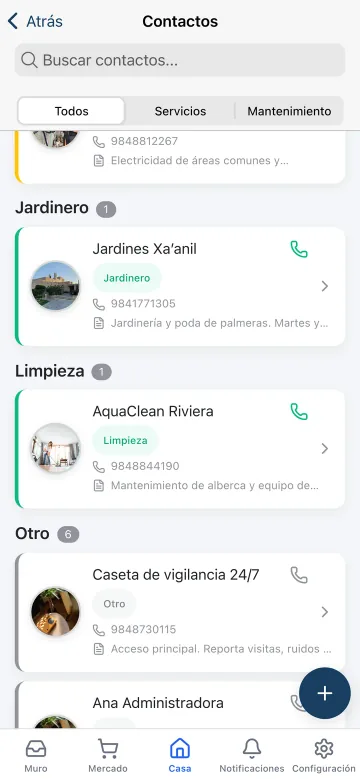
The contacts directory in the Koti app with neighbours and management contacts.

Directory

Neighbours, without handing your number around

  • The directory is private and only accessible to verified residents
  • They can search neighbours by name, unit or tower, respecting everyone’s privacy
  • Contact details are shown to staff only if the community enables it

Admin

Management keeps the register of people

Manage all pending, sent, and completed invitations from a centralized dashboard with real-time tracking.

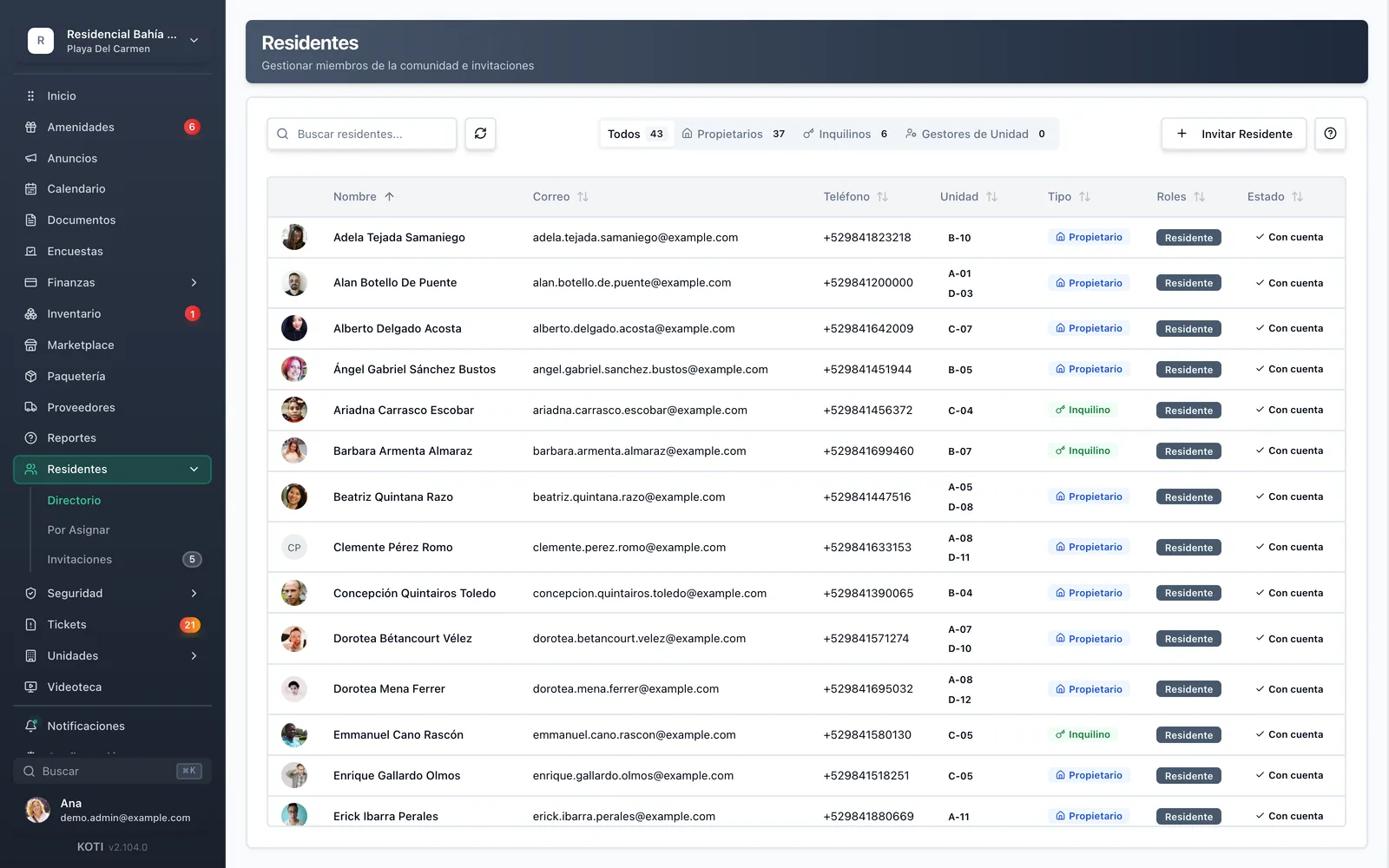
Koti resident directory showing owners, tenants, and contact details for a condominium.

Directory

Everyone, and which side of the unit they are on

  • Name, email, phone, unit, type and status, with tabs for owners, tenants and unit managers
  • Residents with an account and contacts without one, labelled as such so nobody waits on a notification that will never arrive
  • Board roles: president, vice-president, treasurer, secretary and members
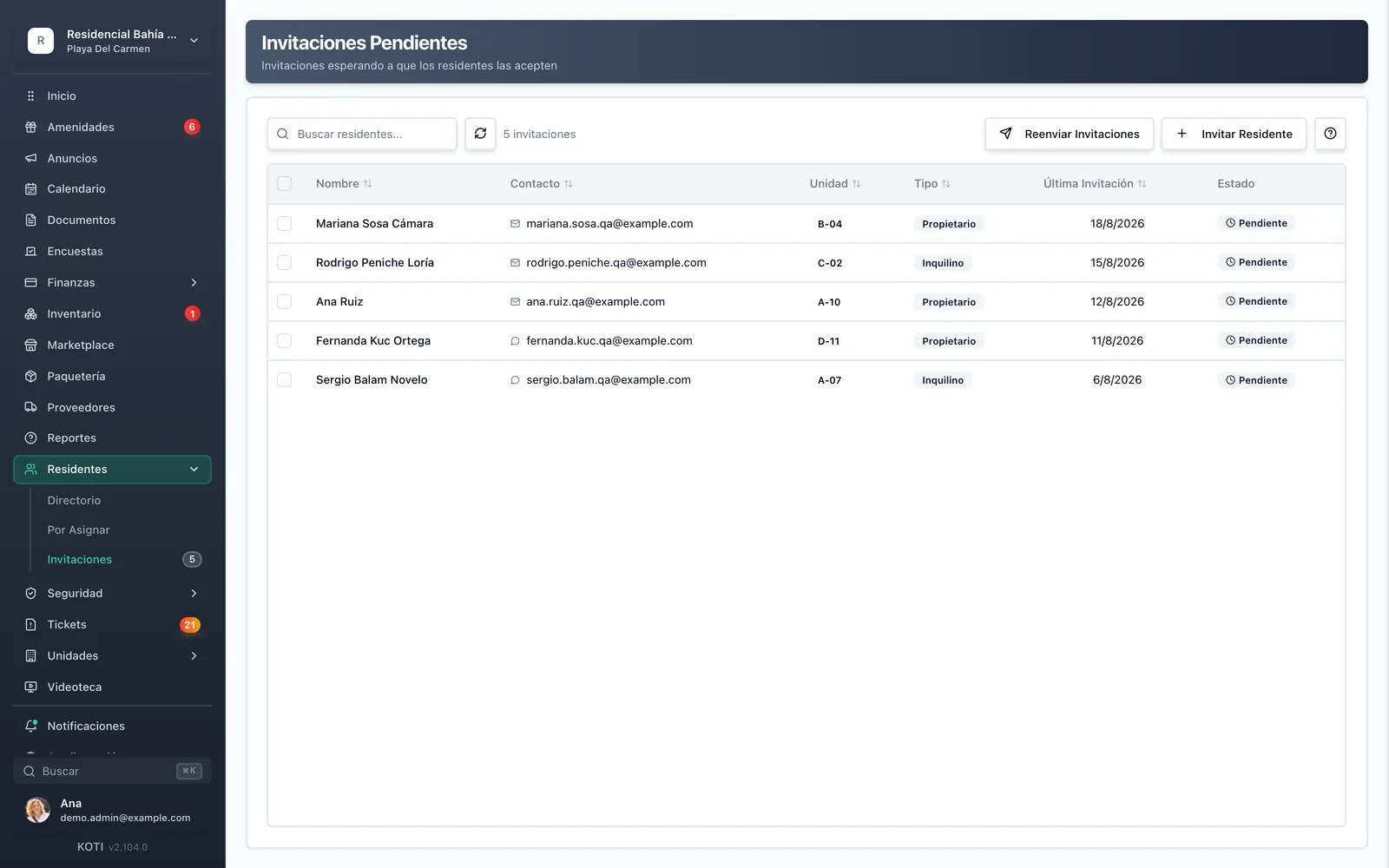
Pending invitations in Koti with the status of each resident yet to register.

Invitations

Who has not joined yet

  • Pending and not-yet-sent invitations, with the last send date per person
  • Resend one, the ones you select, or all of them, without re-entering anything
  • Bulk import checks every row against your units, flags duplicates, and lets you fix things before anything is sent

In detail

Residents & directory, in detail

Bulk import that does not leave you blind

You upload the list and the wizard reads it: it grades each row’s confidence, says whether the unit matched exactly, partially or not at all, spots duplicates, and lets you edit name, email, unit and role inline. You choose between inviting them to the app or recording them purely as a reference contact, and who gets notified.

Owner, tenant and unit manager

Each unit can have unlimited owners, tenants and authorized residents. Each with different permissions and access according to their role in the property — and the owner decides whether their tenant sees the unit’s finances.

One resident, several units

A resident can belong to several units, even across different communities. The owner renting out three apartments logs in once and sees all three, without three accounts and three passwords.

Digital invitations

Streamlined resident registration with digital invitations and self-service setup. Resend one, several selected, or every pending one, and see each person’s last send date before chasing them again.

Account-less contacts and unassigned residents

Not every owner is going to install an app, and the register has to reflect them anyway. They are recorded as reference contacts, clearly labelled. And anyone who registered before having a unit sits in “unassigned” until you place them.

The board

President, vice-president, treasurer, secretary and members are recorded as such, and residents can see who holds each position without asking in the group chat.

Directory privacy

The directory is private and only accessible to verified residents. Whether gatehouse staff can see an occupant’s phone and email is a community decision, and it is off by default.

Vehicles and pets

Residents can update their contact details and add vehicles, pets and emergency contacts from the app. The per-unit vehicle directory helps at the gate, and the pet gallery does what it is actually for: identifying the dog that got out.

Your turn: set it up in 5 minutes

Try Koti in your community today, without the headaches.

14-day free trial · No credit card required

Prefer to be shown around? Book a demoMessage us on WhatsApp

Security & compliance

SSL/TLS encryption

All communications encrypted and sensitive data protected in transit and at rest.

LFPDPPP compliant

Personal data protection compliant with Mexican law (LFPDPPP).

Daily backups on AWS

AWS infrastructure with automatic daily backups.

Frequently asked questions

Administrators can add residents manually or send invitations via email/SMS. Residents complete their registration by downloading the app and verifying their information. The entire directory updates in real-time.
Yes, each unit can have unlimited owners, tenants, and authorized residents. Each with different permissions and access according to their role in the property.
The system allows you to remove previous tenants and register new ones in minutes. Complete history is maintained for reference and all access is automatically updated.
Yes, residents can update their contact details, add vehicles, pets, and emergency contacts from the app. Changes require administrator approval.
The directory is private and only accessible to verified residents. They can search for neighbors by name, unit, or tower, and contact them directly while respecting everyone’s privacy.

Start with 14 free days

Set up your community in minutes and try all of Koti — no card, no lock-in.

No credit card requiredSee pricing

See everything in Operations
Questions? Chat with us