Communication · Announcements

Announcements & Communication for Condominiums

A wall where management posts and the whole community sees the same thing. The announcement is drafted with AI in a couple of clicks, goes out categorized, can also be sent by email with delivery receipts, and residents reply right there instead of in a thirty-message group chat.

No credit card required

categories: general, maintenance, urgent and event
4categories: general, maintenance, urgent and event
AI drafting tones, from formal to celebratory
5AI drafting tones, from formal to celebratory
for delivery and opens when the announcement goes out by email
Receiptsfor delivery and opens when the announcement goes out by email
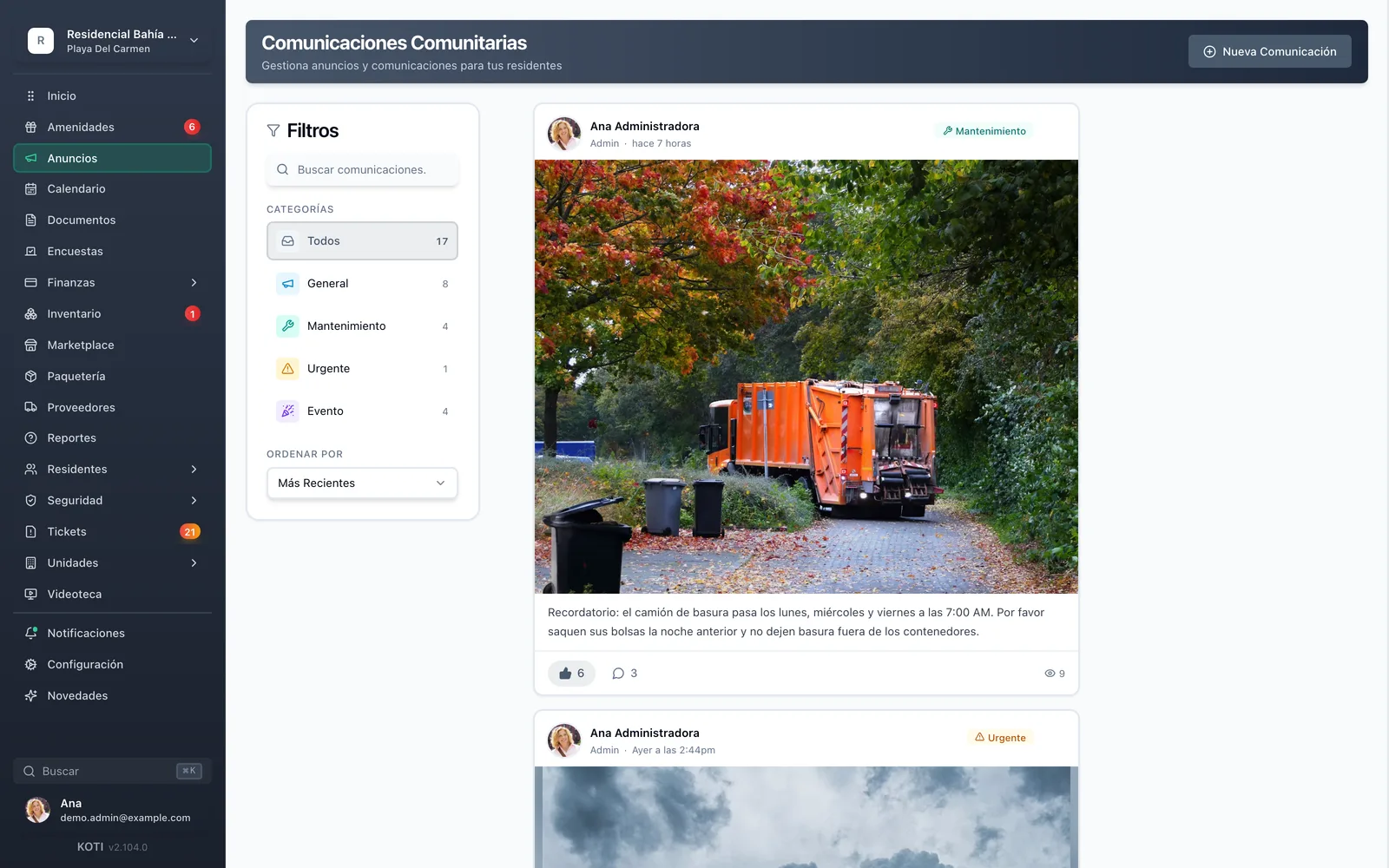
The Koti community communications panel showing published announcements with their categories, likes and comments.

The problem

What changes on day one

Today

The notice goes into the WhatsApp group and ten messages later nobody can find it.

With Koti

Every announcement is a post with its category, its date and its own comment thread.

Today

There is no way to know whether residents saw it — and at the next meeting everyone says nobody told them.

With Koti

Every post shows views, likes and comments, and if you sent it by email you see deliveries and opens per recipient.

Today

Writing the water-outage notice so it reads professionally takes you half an hour.

With Koti

You describe the idea in one line and the AI drafts the full announcement in whichever tone you pick.

Admin

Management posts it and it is finally on the record

An idea in one line, the AI drafts it, you pick the category and the audience, and it goes out to the wall and to email.

Koti community communications with the category filter — general, maintenance, urgent and event — and the community’s posts.

Publish

One wall, four categories, zero group chats

  • Tag every announcement as general, maintenance, urgent or event, and filter the history by category
  • Segment when you need to: one section or tower only, owners only, or both at once
  • Formatted text, images, video and PDF documents residents download from the post itself

Resident

The resident sees it and replies right there

The announcement reaches their phone, lives on the community wall, and can be commented on without opening another app.

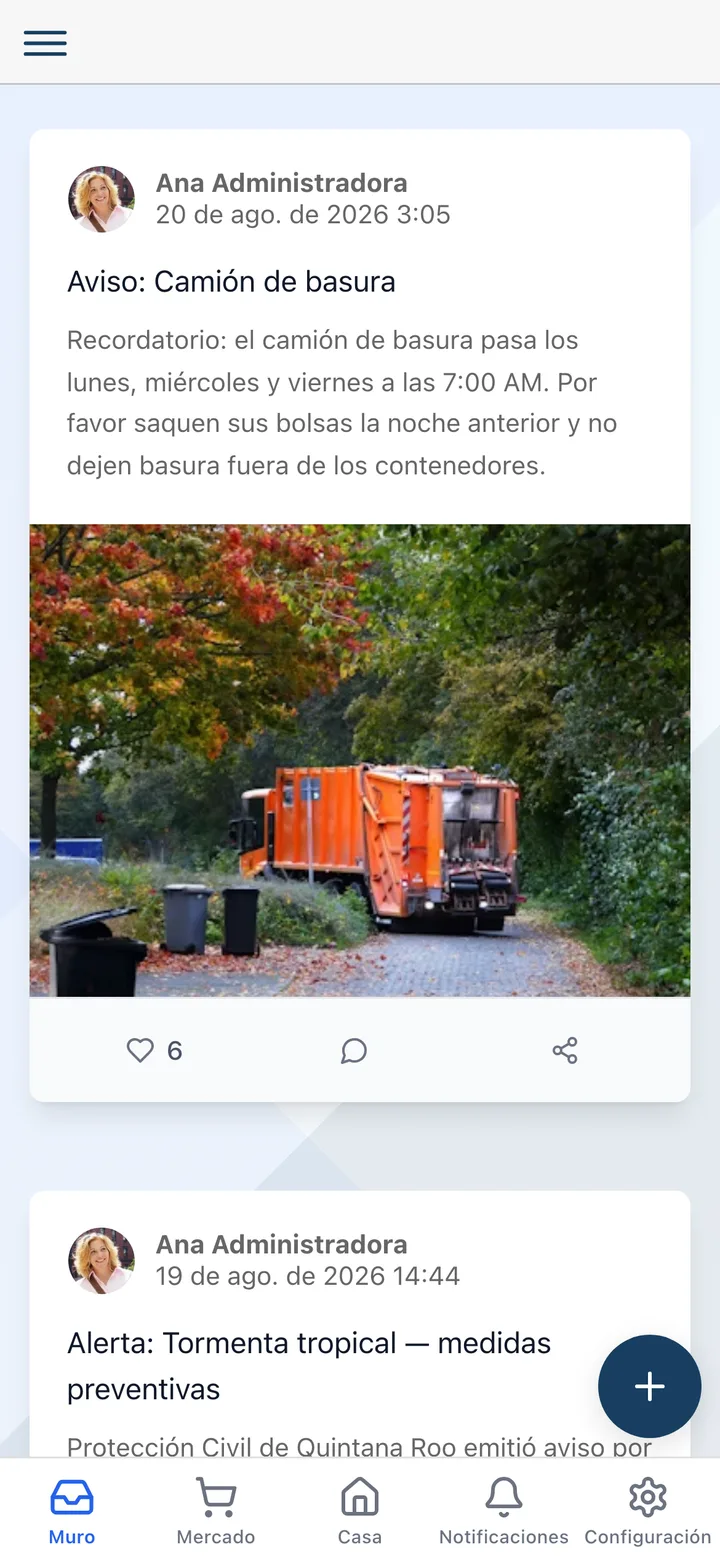
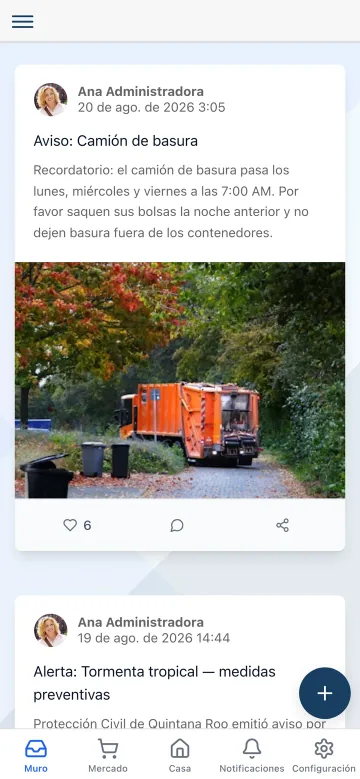
The community wall in the Koti app showing an announcement from management and a post from a neighbour.

Read

The community wall, in their pocket

  • Management announcements and neighbours’ posts, on one wall ordered by date
  • Likes and comments so the conversation lives next to the announcement instead of in a separate chat
  • Attachments — photos, video, PDF — open from the post, with no hunting for the file elsewhere
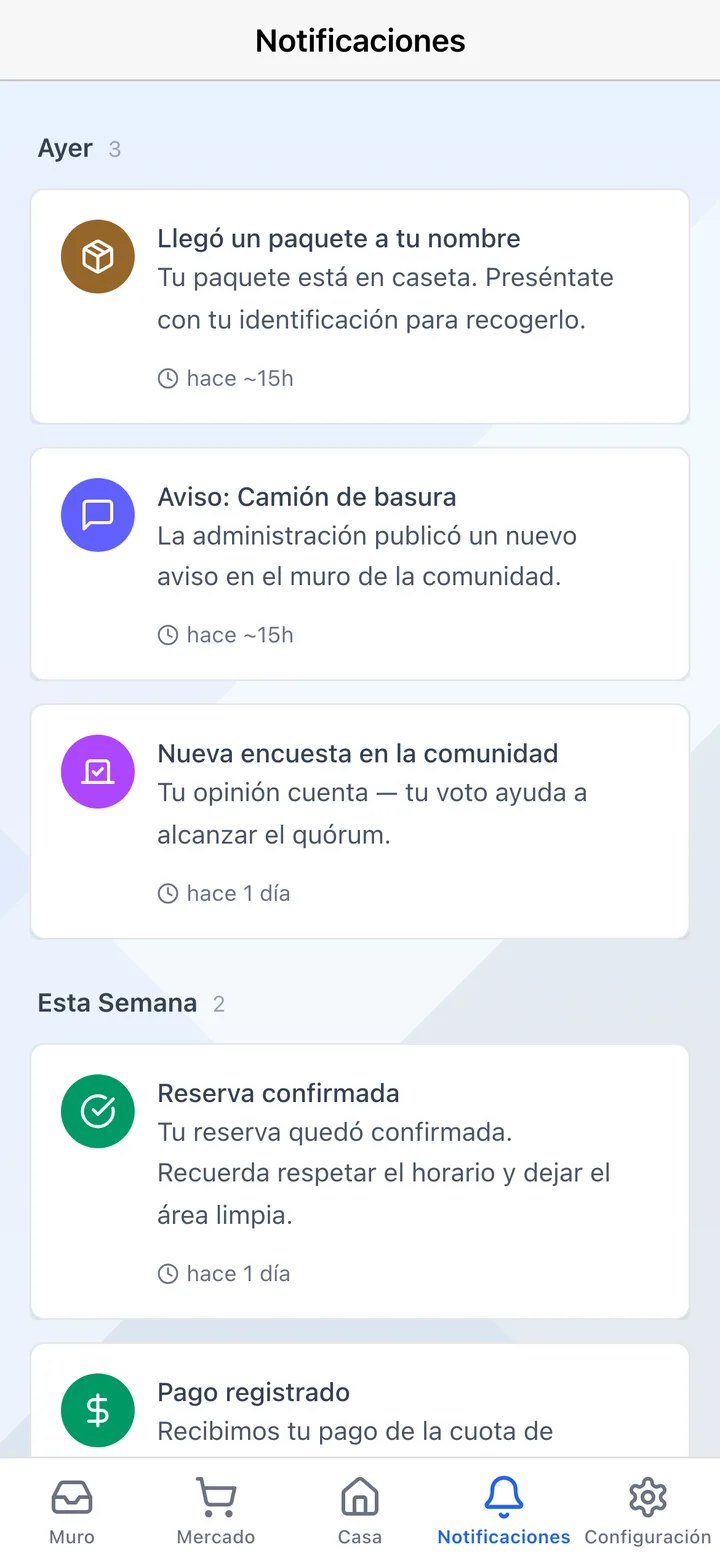
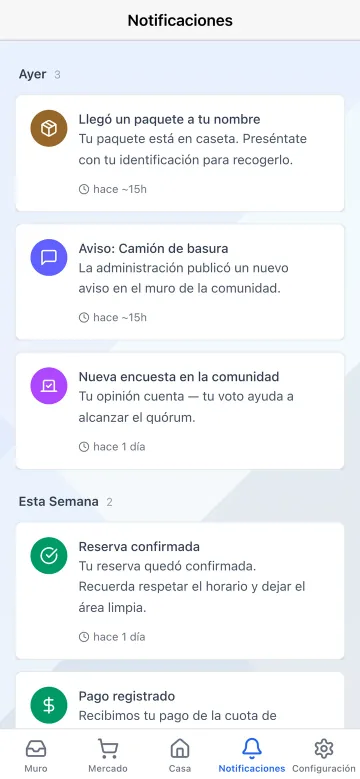
The Koti app notification centre showing the announcement published by management.

Find out

Nobody has to go looking for it

  • When an announcement is published, every resident gets a notification on their phone
  • If the community configures it that way, the same announcement also goes out by email
  • Residents choose which kinds of updates they receive, except the ones the community marks mandatory

In detail

Feed & announcements, in detail

AI drafts the announcement for youAI

You type the idea in one line — “the pool closes for maintenance June 15 to 17” — and pick the tone: formal, friendly, informative, urgent or celebratory. The AI returns the full announcement, you can regenerate or edit it, and it drops into the composer with one click.

Four categories, a readable history

General, maintenance, urgent and event. Each category has its own colour and icon on the wall, and the archive filters by category, by search, or by newest and most liked.

Segment by section or by owners

Not every announcement is for the whole community. A post can be targeted at one section or tower, at owners only, or at the owners of one specific section — and the post itself says so.

Email delivery with receipts

The same announcement can go out by email to every resident, and Koti records the status of each send: queued, sent, delivered, opened, bounced or failed. There is a full report with delivery and open rates, recipient by recipient and unit by unit, downloadable as a PDF.

Likes and comments

A social-style feed where management posts and residents like and comment. You can see who reacted, and the conversation stays attached to the announcement instead of scattered across a chat.

Residents post too

If the community allows it, residents can post on the wall: a plumber recommendation, an invitation to a get-together, a request for help. Management controls with a single toggle whether resident posts and comments are enabled.

Text, images, video and PDF

The composer takes rich formatting with a live preview, an image gallery in JPEG, PNG, GIF or WebP, video, and PDF documents residents download straight from the post.

Views per post

Every announcement shows how many people viewed it, alongside likes and comments. It is the number you are missing when somebody claims at the assembly that they were never told.

Your turn: set it up in 5 minutes

Try Koti in your community today, without the headaches.

14-day free trial · No credit card required

Prefer to be shown around? Book a demoMessage us on WhatsApp

Security & compliance

SSL/TLS encryption

All communications encrypted and sensitive data protected in transit and at rest.

LFPDPPP compliant

Personal data protection compliant with Mexican law (LFPDPPP).

Daily backups on AWS

AWS infrastructure with automatic daily backups.

Frequently asked questions

An announcement never gets buried. Every post has a category, a date, an audience, its own comment thread and a view count, and the archive stays searchable and filterable months later. The WhatsApp group is still fine for chatting; the wall is where the record lives.
You describe in a sentence what you want to communicate and pick the tone — formal, friendly, informative, urgent or celebratory. The AI drafts the full announcement in the panel’s language; you can regenerate, edit or copy it before publishing. You always review and publish: the AI proposes, it never sends.
Every post shows views, likes and comments. And if you also sent it by email, there is a delivery report with each recipient’s status — delivered, opened, bounced or failed — alongside delivery and open rates, exportable as a PDF. Opens are an approximate ceiling, since email privacy filters can inflate them.
Yes. A post can be targeted at a specific section, at owners only, or at the owners of one section. The post itself states its audience, so there is no ambiguity about why one resident sees it and another does not.
Yes, if the community enables it. Management controls with a toggle whether residents can post and whether comments are open. Where it is switched on, it is mostly used for vendor recommendations, get-togethers and neighbours asking each other for help.

Start with 14 free days

Set up your community in minutes and try all of Koti — no card, no lock-in.

No credit card requiredSee pricing

See everything in Communication
Questions? Chat with us