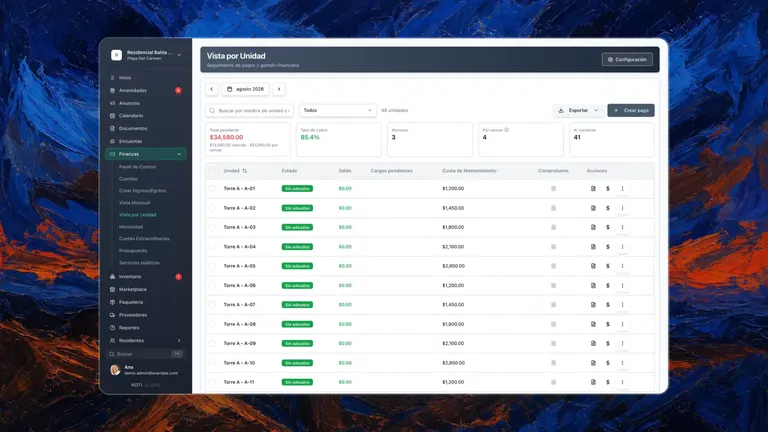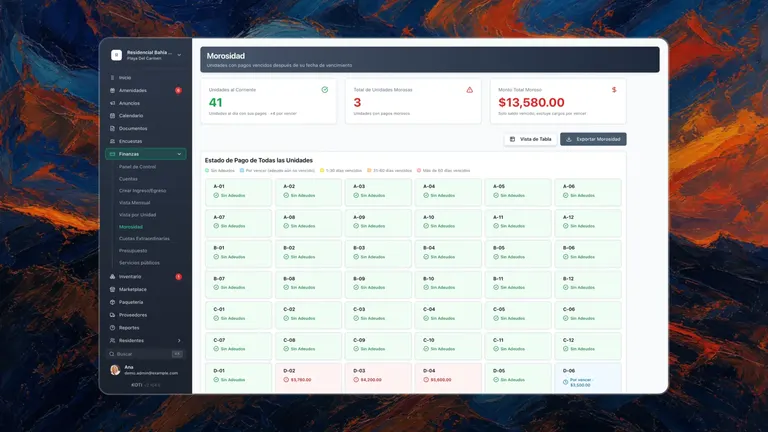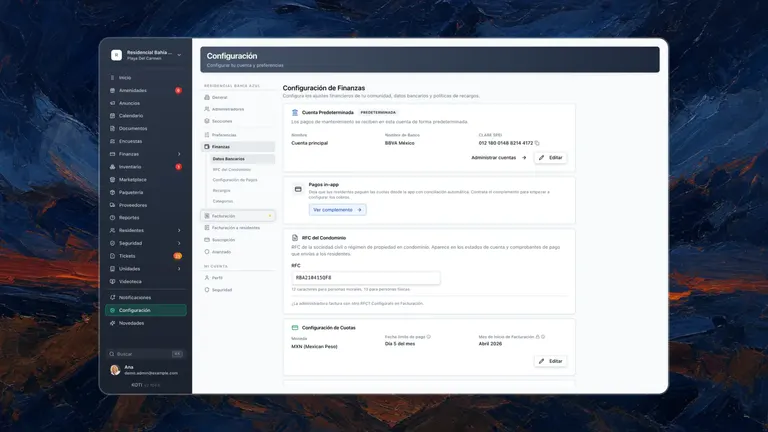
It happens in any development with more than twenty units: a transfer shows up in the community account, and the bank statement tells you how much and when — but not which unit it came from. Nobody sent a receipt to the WhatsApp group, the reference reads something like "TRANSFERENCIA SPEI", and that is all you get.
The manager has two classic bad options: leave the deposit floating outside the system — so the money exists at the bank but in no report — or guess the unit and pray. Both end the same way: a resident insisting they did pay, or a month-end close that does not balance.
Recording it properly: "unidentified payment"
In Koti that deposit is recorded from day one as an unidentified payment: income with no unit assigned, which counts towards the account and the month's totals but deliberately does not touch anyone's balance. The money is recorded and visible; the assignment stays pending, and the system tells you so plainly.
There is one detail in the video that pays for itself three days later: the bank reference goes in the description field. It is the one thing that will let you find that entry again once you know who sent it.
So far, so good. The problem was the next step. When you finally worked out who paid — the resident sends the receipt three days later, or you deduce it from the amount — there was no way to tell the system. The only route was to void the entry and capture it again, this time with its unit. A customer asked us exactly that: "If I recorded income as unidentified but I have now identified it, do I have to delete it and enter it again?"
Not any more.
Now: "identify payment"
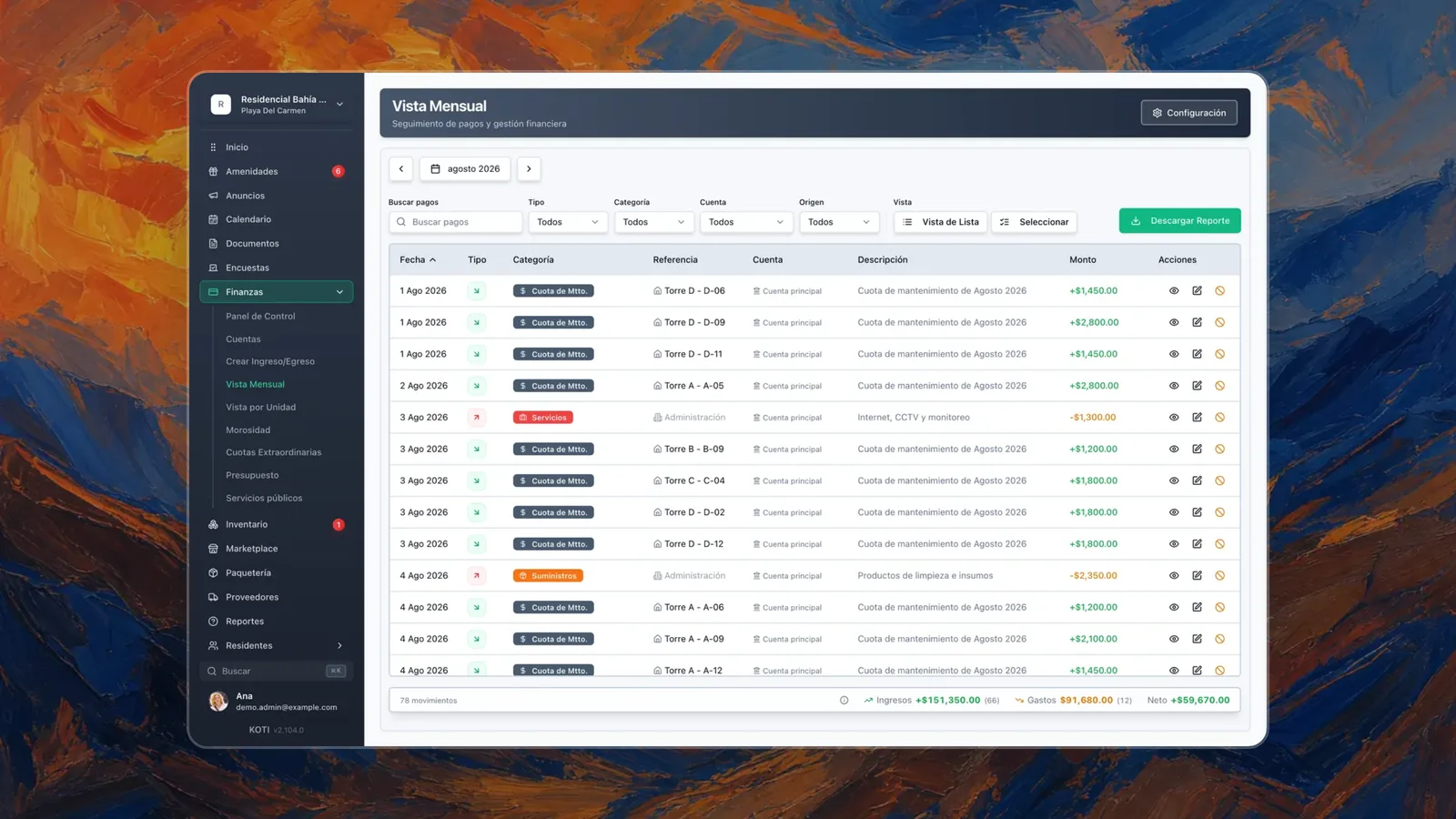
In Finanzas → Vista Mensual, open the entry (the eye icon in the Actions column). In the payment detail, an amber line warns you: "No unit — needs reconciliation". Next to it, the new button: "Identificar pago" (also available in the ⋯ menu).
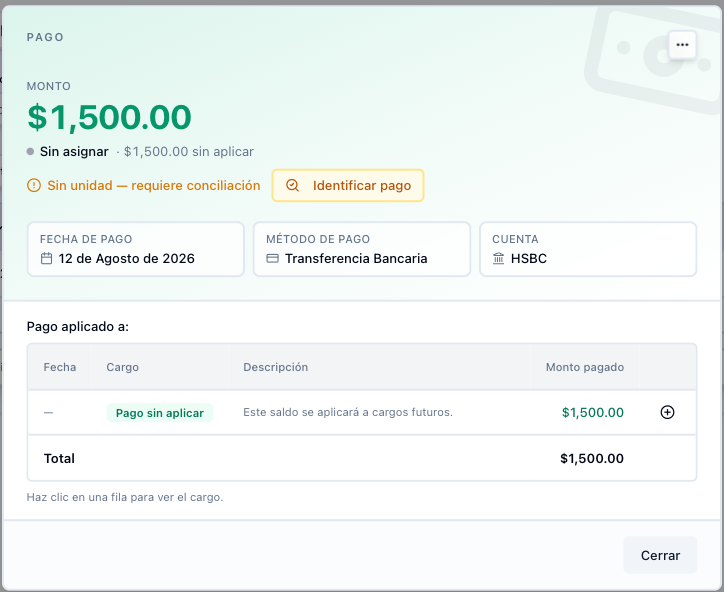
When it opens, you pick the unit that made the payment. As soon as you select it their outstanding charges appear, and the money is applied against them through the same allocation screen the normal payment flow uses: you can let automatic allocation spread the amount, or adjust each charge's "amount to allocate" by hand.
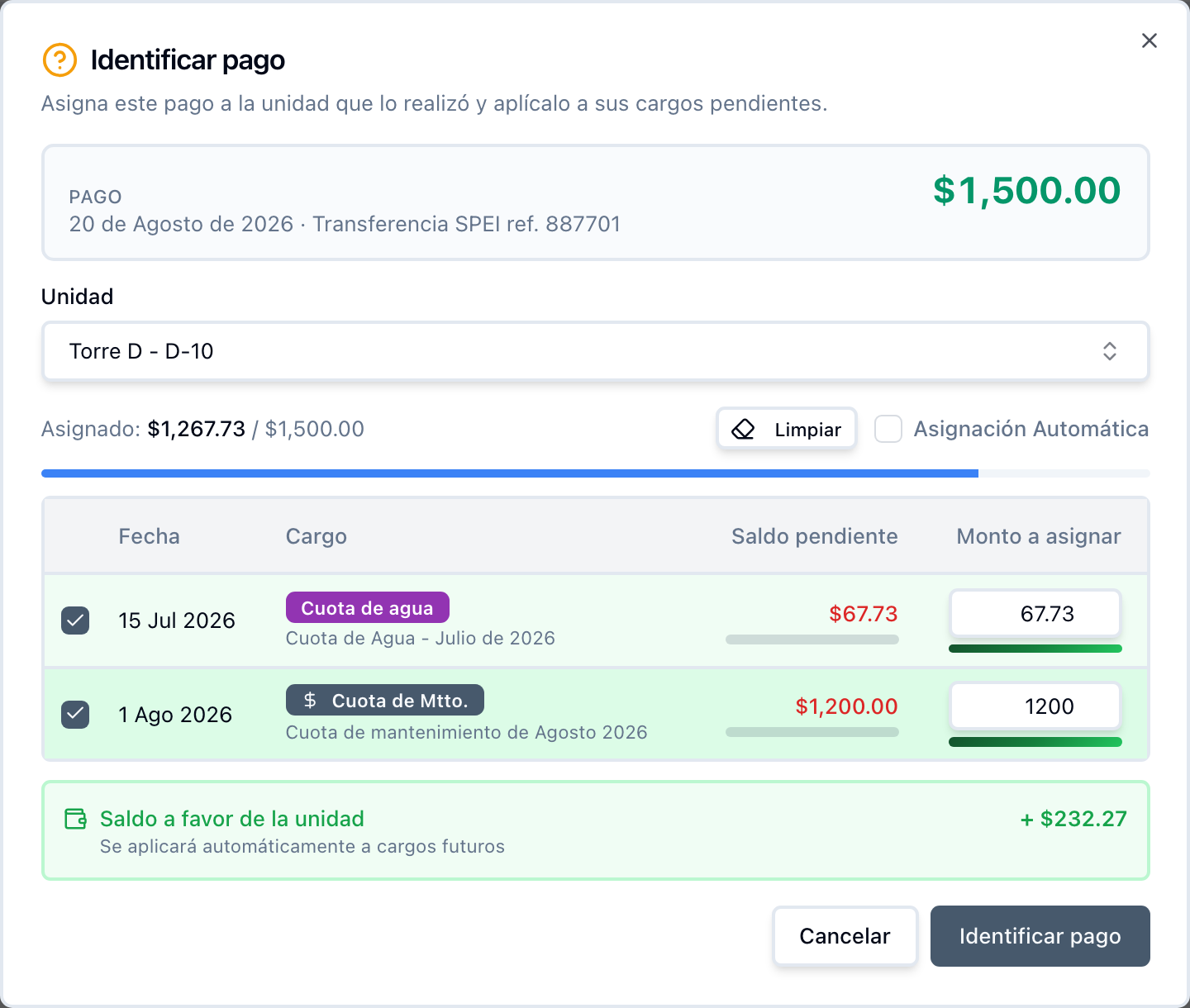
If money is left over it is neither lost nor stranded: the dialog says so explicitly — "Credit in the unit's favour · Will be applied automatically to future charges." The resident who overpaid keeps the surplus credited, ready for the next maintenance fee.
On confirmation, the unit assignment and the allocation to charges are written in a single atomic operation: the payment cannot end up half-done — assigned to a unit but without affecting its balance. Charges are settled, the unit's balance updates — and with it their per-unit statements — and the audit log records the change, exactly as if the payment had been captured correctly on day one.
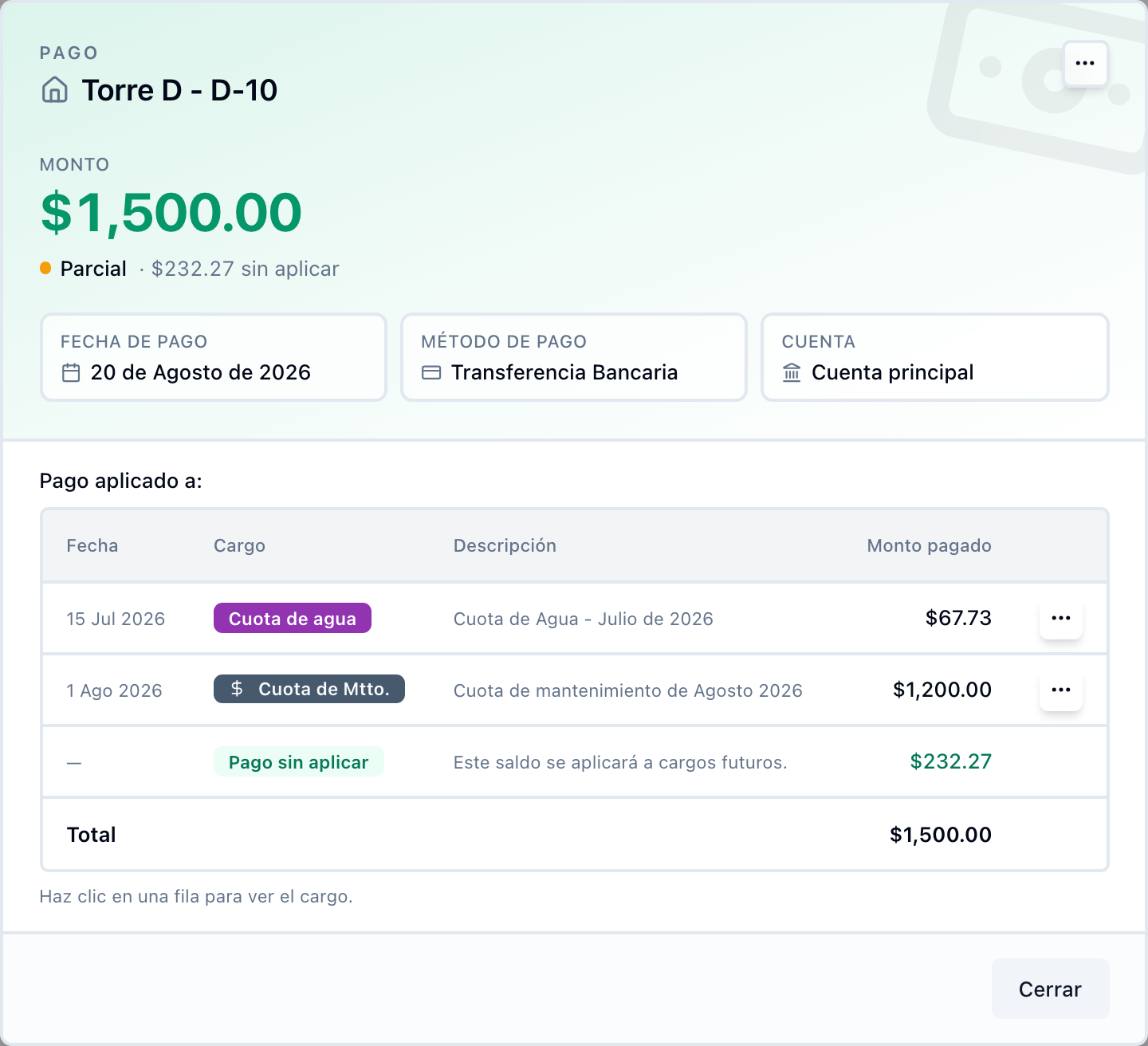
And the entry stops being called "unidentified payment": it takes the category it actually belongs to.
Something else we fixed: two labels that looked identical
The monthly view now separates two situations that used to look the same:
- "Unidentified payment" — we do not know which unit it came from. Needs your action: it has to be identified.
- "Unapplied payment" — we already know whose it is; it is simply waiting for a charge to be applied to. Nothing required.
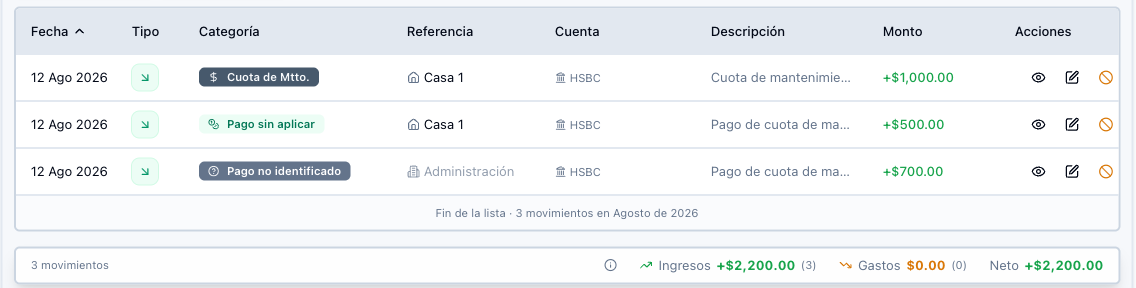
It sounds minor, but it is the difference between reviewing the month in two minutes and reviewing it entry by entry: the rows that genuinely need your attention now stand out at a glance.
A couple of sensible limits: "identify payment" applies only to completed income that has no unit yet, requires finance permissions, and excludes entries that legitimately belong to no unit — transfers between accounts, supplier refunds, and entries tied to special assessments.
What changes for your month-end close
Every serious month-end checklist includes the same item: review income with no unit assigned, because every unapplied deposit is a payment that is not being credited to anyone. It is exactly where the discrepancies nobody can later explain pile up — which is why our guide to collecting maintenance fees is worth reading alongside this. That review now has a direct exit: you find the unidentified payment, click "identify payment", choose the unit, and the pending item disappears — without voiding anything, without capturing it twice, without breaking the audit trail.
The mystery deposit will keep arriving; no software controls that. What you can control is how much work it takes to resolve once you finally know whose it was: it used to be two entries and a void; now it is one click and a unit.
Identify payment is already live in every Koti account: nothing to update, nothing to configure. If you manage with Koti, open Finanzas → Vista Mensual today and filter by "Pago no identificado". Whatever you find there is money already sitting in the bank and adding up for nobody.
Not on Koti yet? See the whole module in financial tools, book a demo or start the free trial — no credit card.
Try Koti for free
Simplify your condo management: dues, access and announcements in one place. 14 days free, no credit card.
Written by
Equipo Koti
Condo Management Experts
The Koti Smart Communities team shares knowledge and best practices for efficient condo and residential community management.